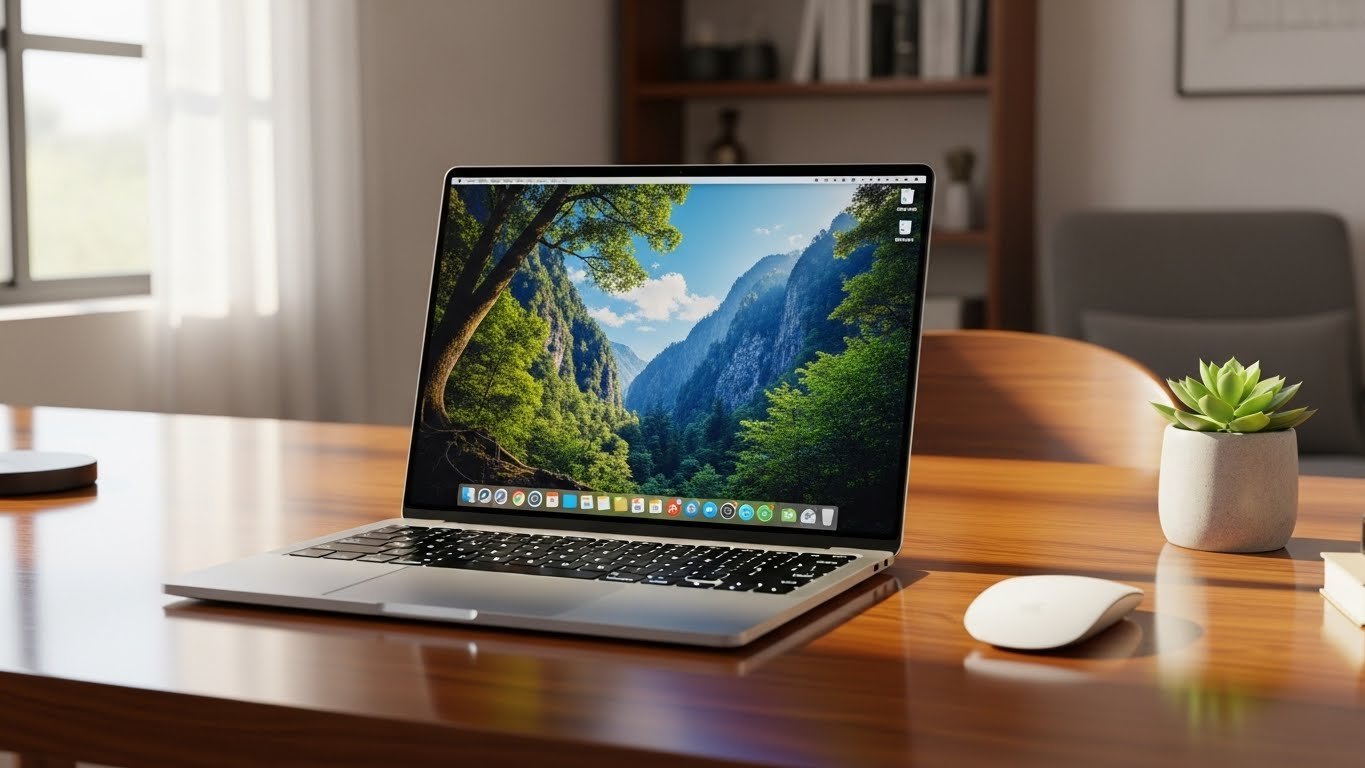
Working from home has become normal for many people. Choosing the right laptop can make your day easier, faster, and more productive. If you are looking for how to pick the best budget laptop for remote work in 2026, this guide will help. We will cover everything from performance, battery life, and software, to security and long-term reliability. By the end, you will know exactly what to look for in a budget-friendly laptop that works well for remote jobs.
Why a Good Budget Laptop Matters for Remote Work
Not all laptops are the same. A slow laptop can make meetings lag, apps crash, and your work stressful. On the other hand, affordable laptops for work from home can give you smooth multitasking and better productivity. Remote workers need laptops that meet remote work laptop requirements, like fast performance, decent storage, and good connectivity. Spending a bit of time picking the right one now can save you frustration later.
Key Features to Look for in a Budget Laptop

CPU Performance for Productivity
The CPU is the brain of your laptop. For most remote work tasks like video calls, spreadsheets, and documents, a mid-range processor is enough. Look for laptops with modern CPUs that handle multitasking well. Laptop performance for multitasking matters if you use multiple apps at once.
RAM Requirements for Remote Work
RAM affects how smoothly your laptop runs apps. For standard remote work, 8GB RAM is enough, but 16GB is better if you work with large files or multiple tabs. Good RAM ensures you don’t wait while switching between tasks.
SSD Storage vs HDD Performance
SSD is faster than HDD. It makes your laptop start quickly and open files fast. Even on a budget, choose a laptop with SSD storage. It improves your day-to-day workflow significantly.
Battery Life for Remote Workers
Nothing is worse than a laptop that dies mid-meeting. Look for battery life for remote workers that lasts at least 6–8 hours. Longer battery life means you can work from a café, park, or home without interruptions.
Webcam and Microphone Quality for Meetings
Video calls are crucial for remote work. A clear webcam and good microphone make a difference in video conferencing performance. Don’t settle for blurry cameras or muffled sound—it affects professionalism.
Quick Comparison Table: CPU, RAM, Storage for Budget Laptops
| Feature | Minimum | Recommended |
|---|---|---|
| CPU | Intel i3 / AMD Ryzen 3 | Intel i5 / AMD Ryzen 5 |
| RAM | 8GB | 16GB |
| Storage | 256GB SSD | 512GB SSD |
| Battery | 6 hrs | 8+ hrs |
Lightweight Laptops for Daily Work
Carrying a heavy laptop all day is tiring. A lightweight laptop for daily work makes it easier to move between rooms or work outside. Look for laptops under 4 pounds—it saves your back and is perfect for home or travel.
Connectivity and Network Performance
Strong internet is key. Look for Wi-Fi 6 / Wi-Fi 6E connectivity to keep video calls smooth and cloud tools fast. Slow Wi-Fi makes work frustrating, even on a good laptop.
Operating System and Software Compatibility
Most remote jobs use cloud tools. Windows laptops are flexible, while Chromebooks vs Windows for remote work depends on your software needs. Make sure your laptop supports apps like Zoom, Teams, Google Workspace, or Office 365.
Build Quality and Long-Term Reliability
Durable laptops last longer. Check thermal performance and cooling, strong hinges, and sturdy cases. A reliable laptop reduces repairs and downtime.
Laptop Security Features for Remote Jobs
Remote work needs protection. Look for laptops with fingerprint sensors, TPM chips, and up-to-date operating systems. Laptop security features protect your files and video calls.
Video Conferencing Performance
Good cameras, clear microphones, and strong Wi-Fi are essential. Ensure video conferencing performance is smooth. Test laptops with Zoom or Teams if possible before buying.
Budget-Friendly Options in 2026
You don’t need to spend $1,000. Some budget laptops under $600/$700/$800 offer solid performance. Look for best cheap laptop for remote work or MacBook alternatives budget if you prefer Apple-like design.
Future-Proofing Your Budget Laptop
Think long-term. Choose specs that will still work well in 3–5 years. Look for future-proof budget laptops with good RAM, SSD storage, and a reliable CPU. This saves money over time.
Student and Freelancer-Friendly Laptops
Students and freelancers need reliable laptops. Look for student laptop for online work or best laptop for freelancers. Focus on multitasking, battery life, and portability. Laptop for content writing and research should handle multiple tabs without slowing down.
Cloud-Based Productivity Tools
Make sure your laptop works well with cloud tools. Cloud-based productivity tools like Google Workspace, Office 365, or Notion help you work efficiently anywhere.
What is the best laptop for working remotely?
The best laptop for remote work is one that feels fast, lasts long on battery, and doesn’t lag in video calls or apps. Aim for a laptop with a good processor (like Intel i5 or AMD Ryzen 5), at least 8–16 GB RAM, SSD storage, a clear webcam, and solid Wi‑Fi. It should be light and reliable so you can work comfortably from home or anywhere.
What is the best laptop for business 2026?
The best business laptop in 2026 is one that blends speed, security, and long life. Look for strong performance, good security features (like fingerprint login), a quality keyboard, and great battery life. A Windows business laptop or verified business line from trusted brands usually fits most office and professional needs well.
Conclusion
Picking a laptop for remote work doesn’t have to be stressful. Focus on CPU, RAM, SSD, battery life, and security. Check affordable laptops for work from home, lightweight designs, and future-proof features. With the right choice, your work-from-home experience will be smooth, productive, and stress-free.
FAQS
8GB is enough for basic tasks; 16GB is better for heavy multitasking.
Intel i5 or AMD Ryzen 5 is ideal for productivity without overspending.
Yes, if your work is mostly cloud-based. But Windows laptops offer more software compatibility.
